
PREP
Contracts, flights, hotels, promoter contacts, transportation, checklists, and everything you need before you leave home.
PLAN ★ TRACK ★ CONNECT
ExpoGuest is the convention app built for the people behind the table: actors, voice artists, creators, artists, authors, cosplayers, and other invited guests.
Less paperwork. More fans.
LIVE CARD CHECKOUT · IPHONE AND ANDROID
A fan wants a signed print and a photo. Build one cart, take their card payment, and keep the line moving. Square checkout keeps the charge and the ExpoGuest sale in one workflow—so you spend less time switching apps and entering the same sale twice.
Add your products, adjust quantities, and review the total before checkout.
Sign in securely with Square, choose your business location, and pair a compatible Square Reader from ExpoGuest.
Square verifies the live payment, then ExpoGuest records it in your event ledger. If checkout is interrupted, review the saved attempt before trying again.
Square checkout: available in ExpoGuest for iPhone and Android with a compatible Square seller account, supported phone, and compatible Square Reader. ExpoGuest does not replace your Square account or hardware. Tap to Pay without a reader is not currently available inside ExpoGuest. Square availability and processing fees are subject to Square’s terms.
THE REAL APP. THE WHOLE CIRCUIT.
Every screen is built around what convention guests actually do—from booking the trip to counting the final dollar. Meet Pacific Coast Fan Expo, our fictional San Francisco event, in the app previews below.
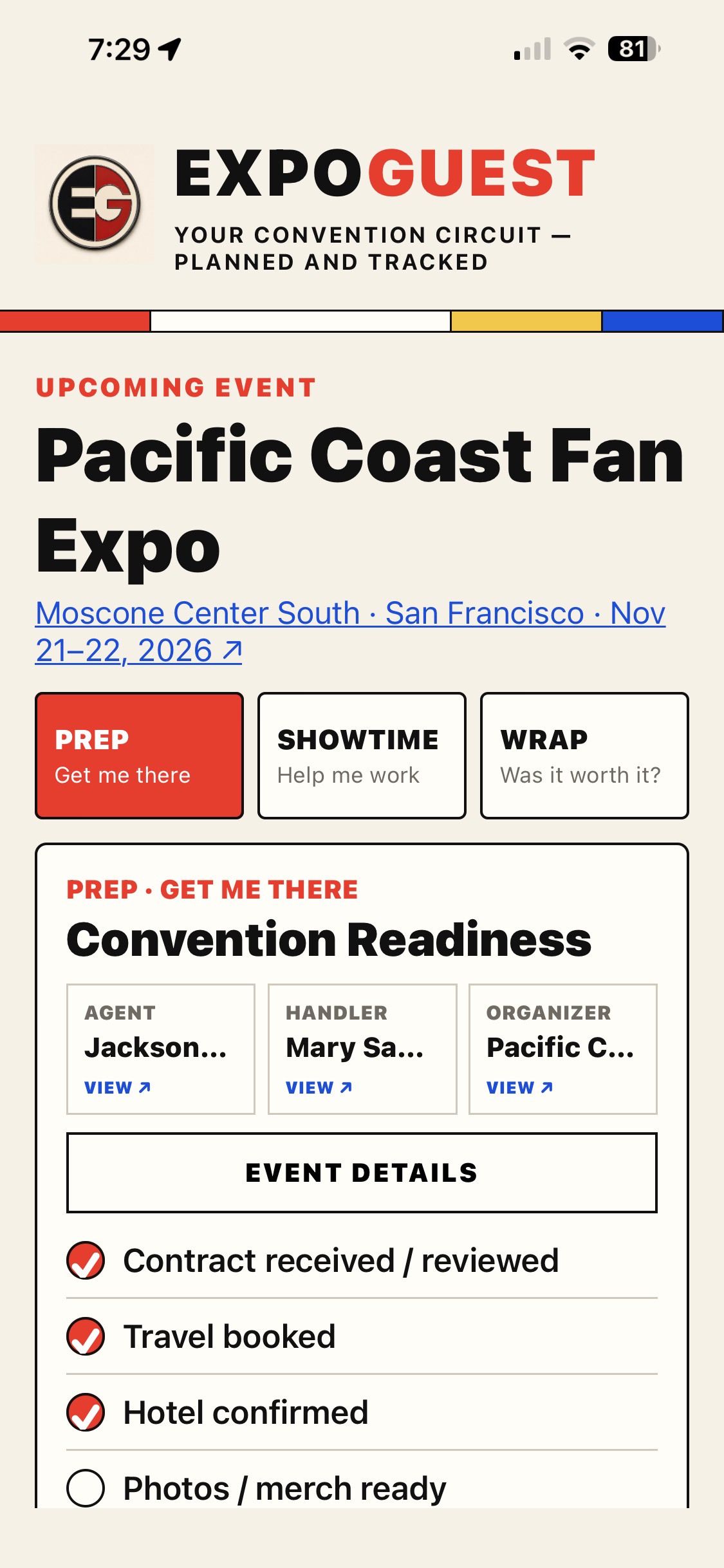
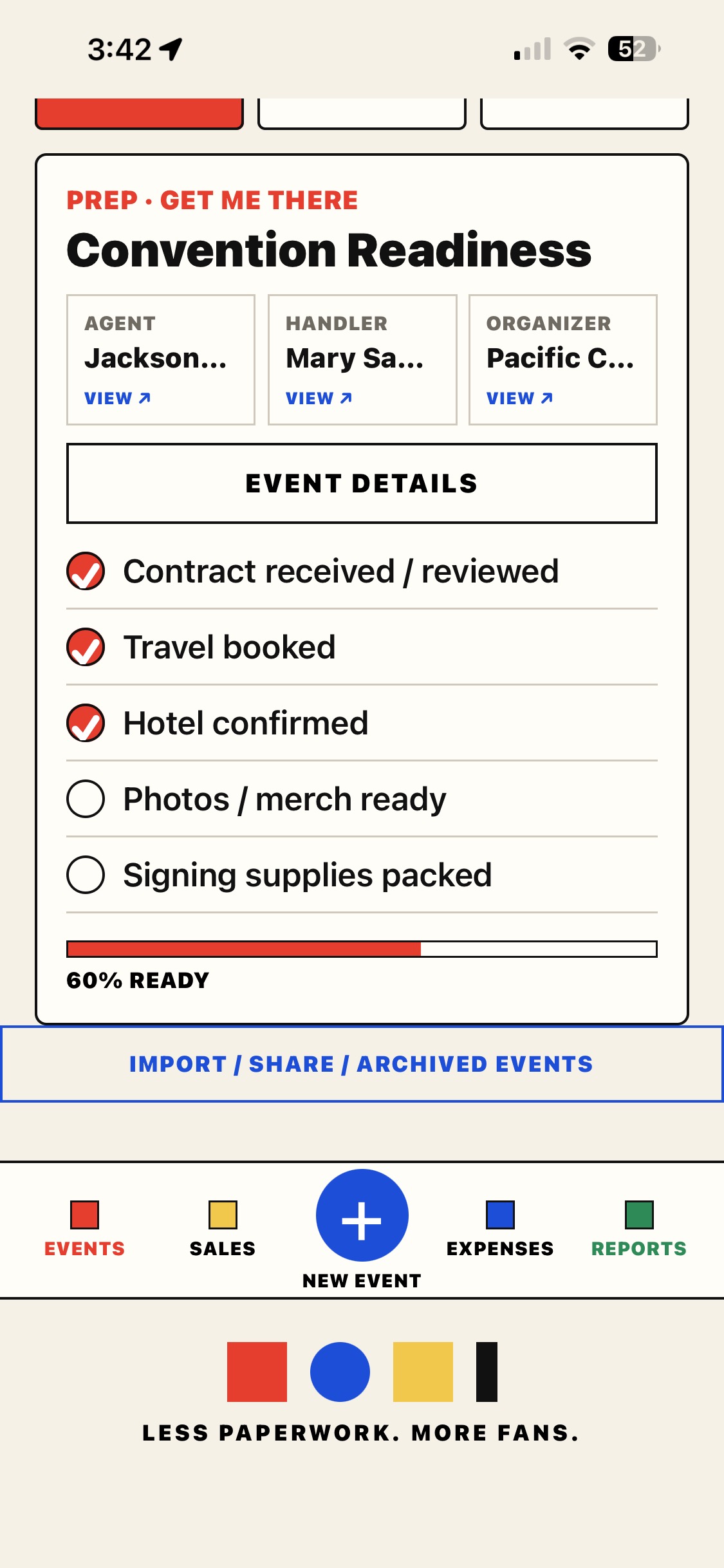
PREP · GET ME THERE
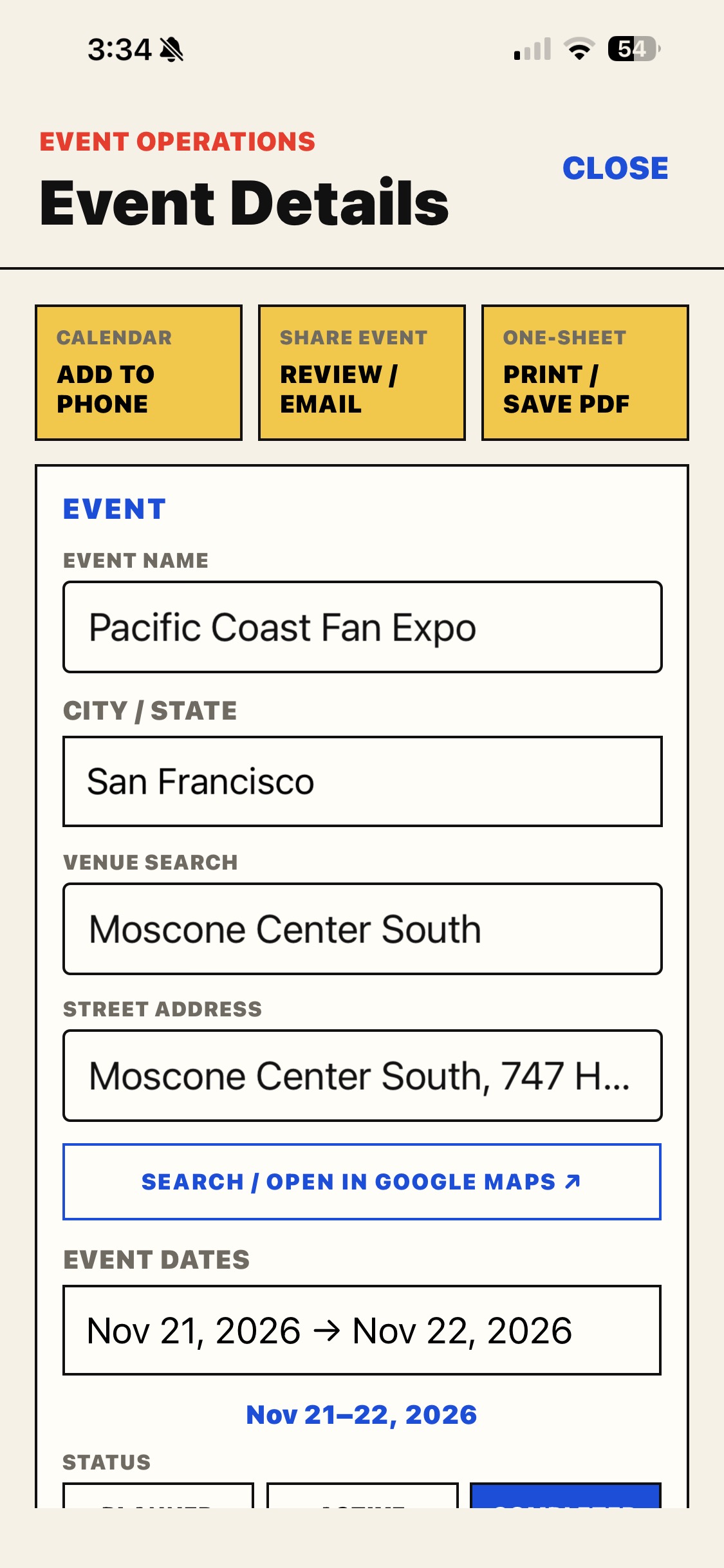
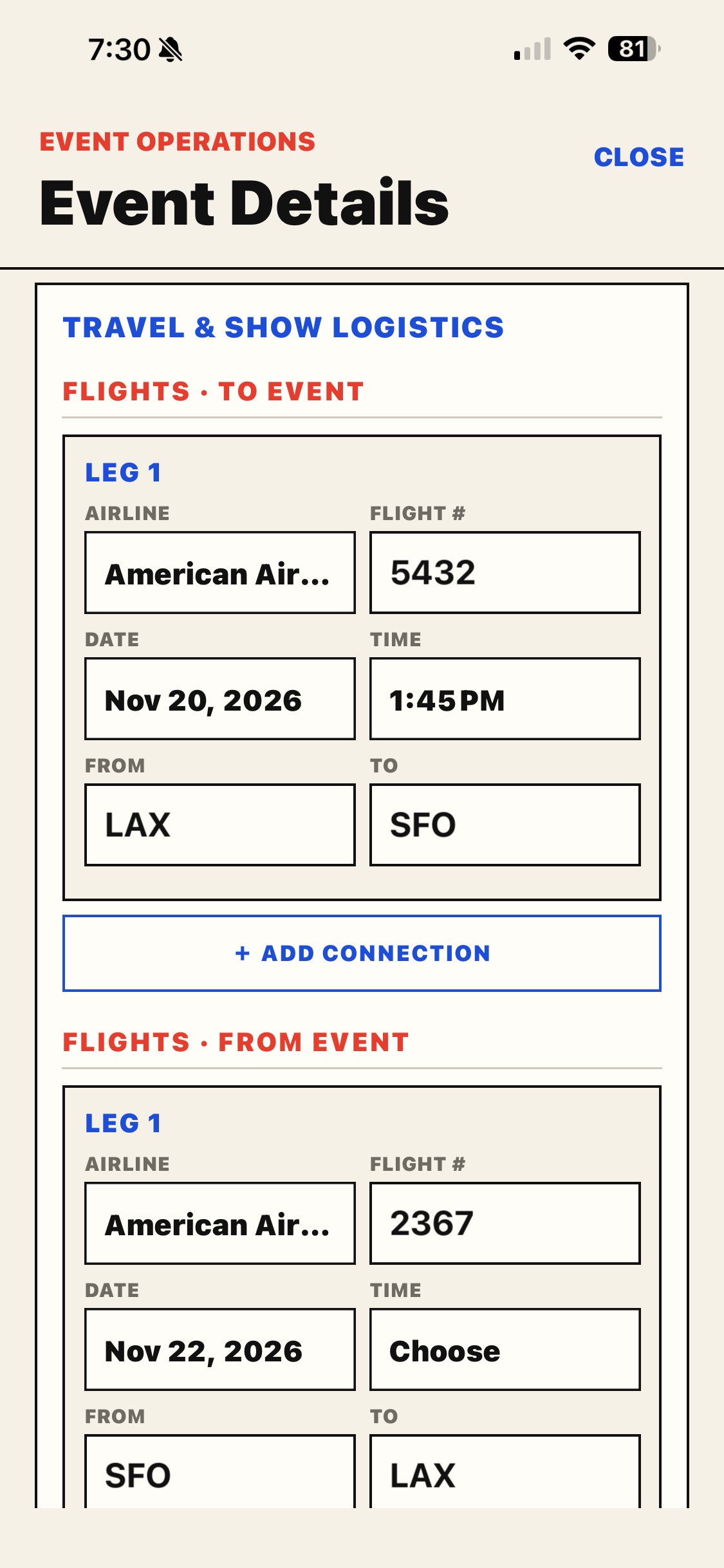
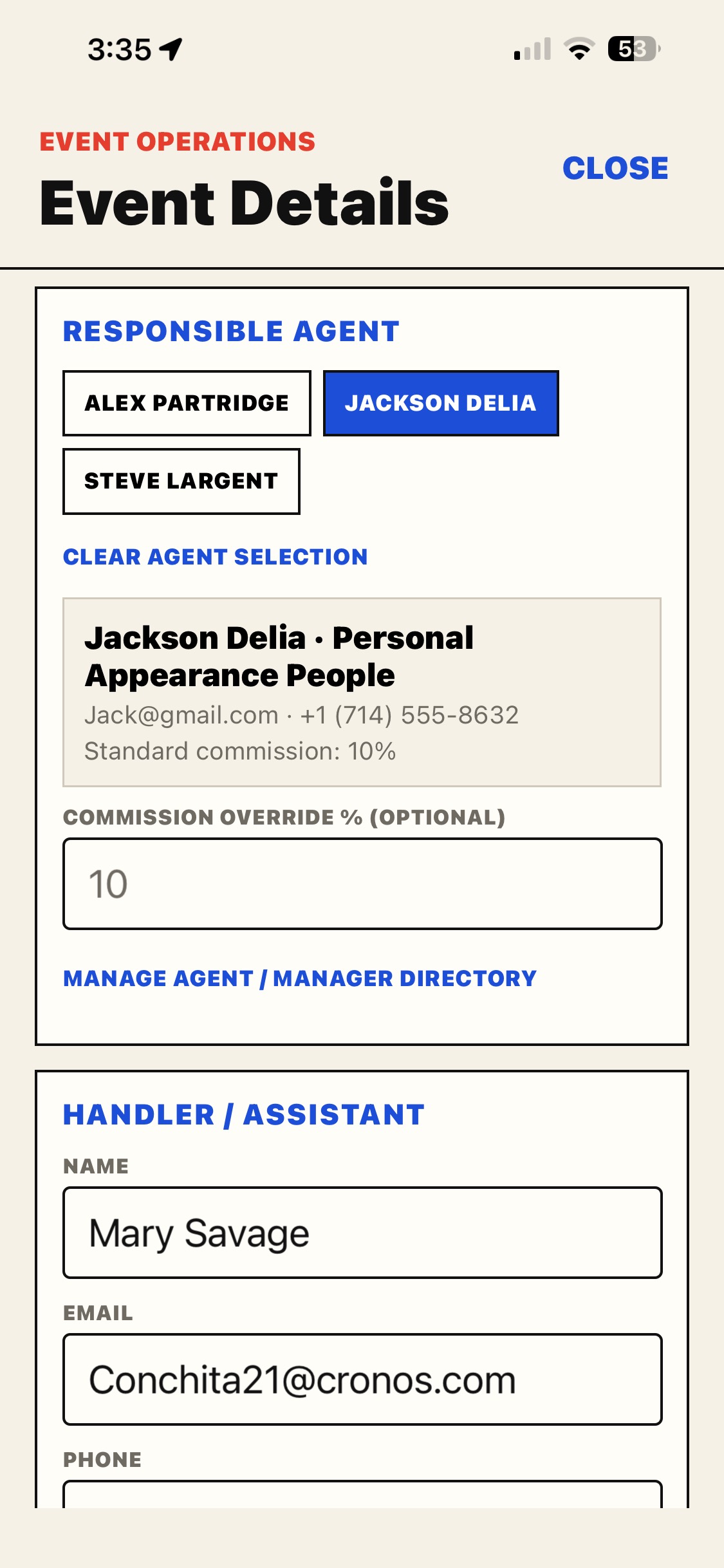
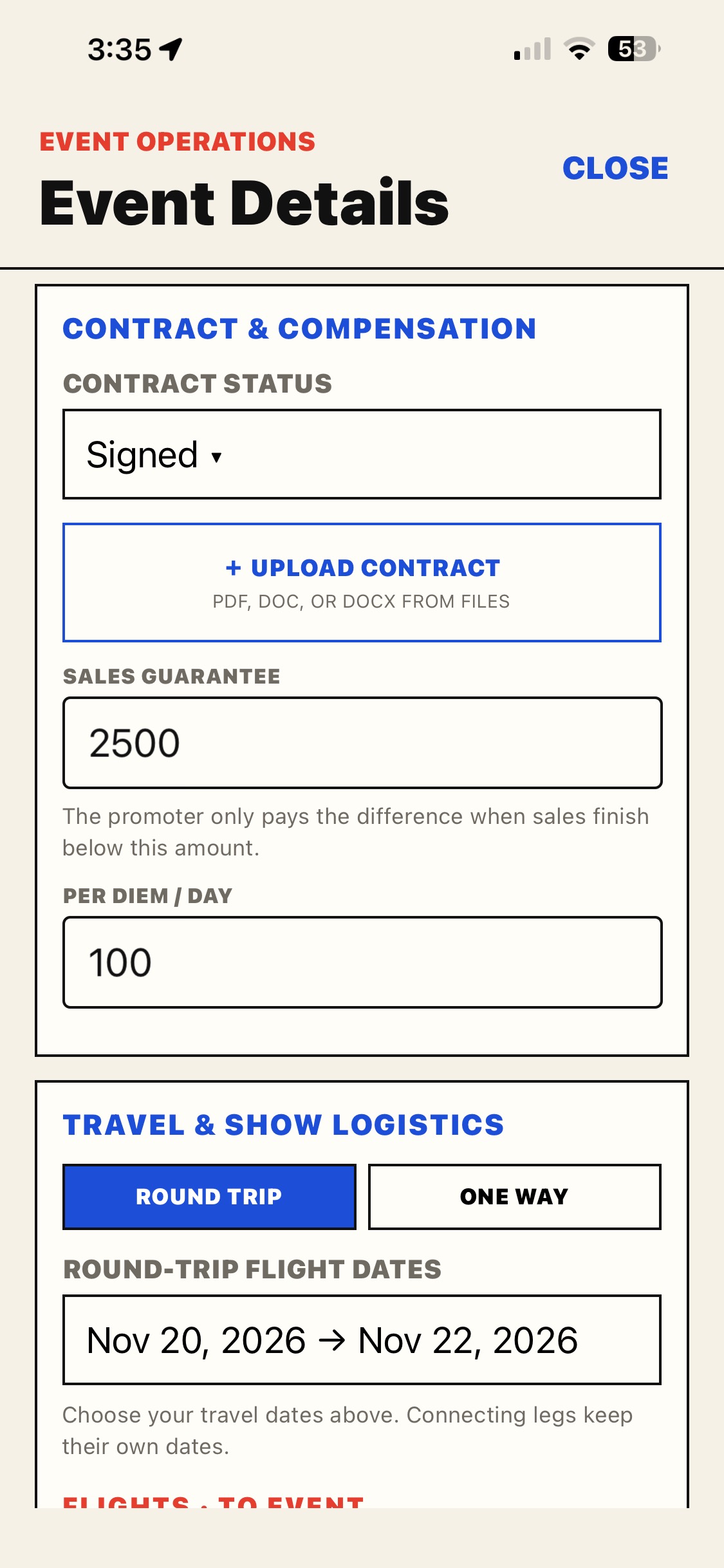
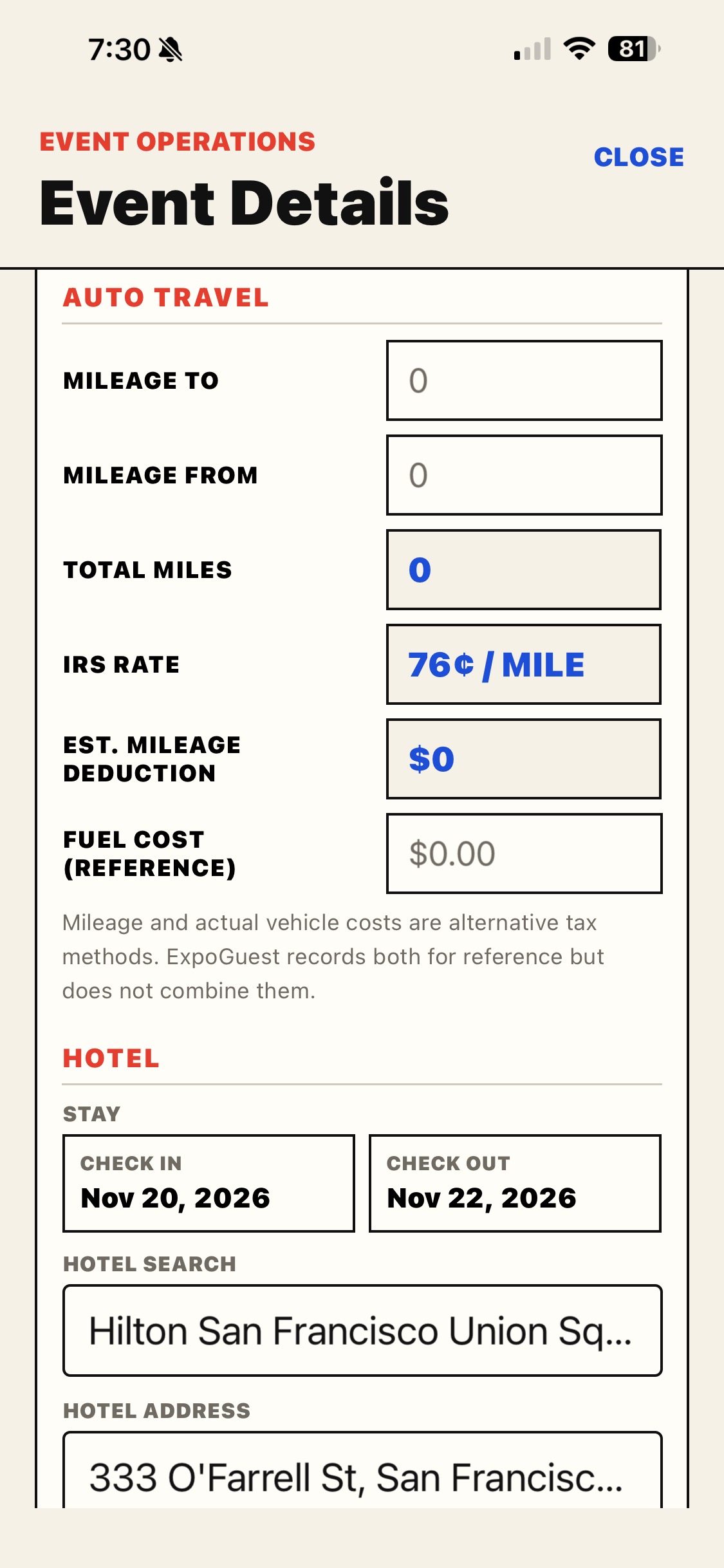
Keep event dates, venue, flights, hotel, ground transportation, contacts, and contracts together—right where you need them.
SHOWTIME · HELP ME WORK
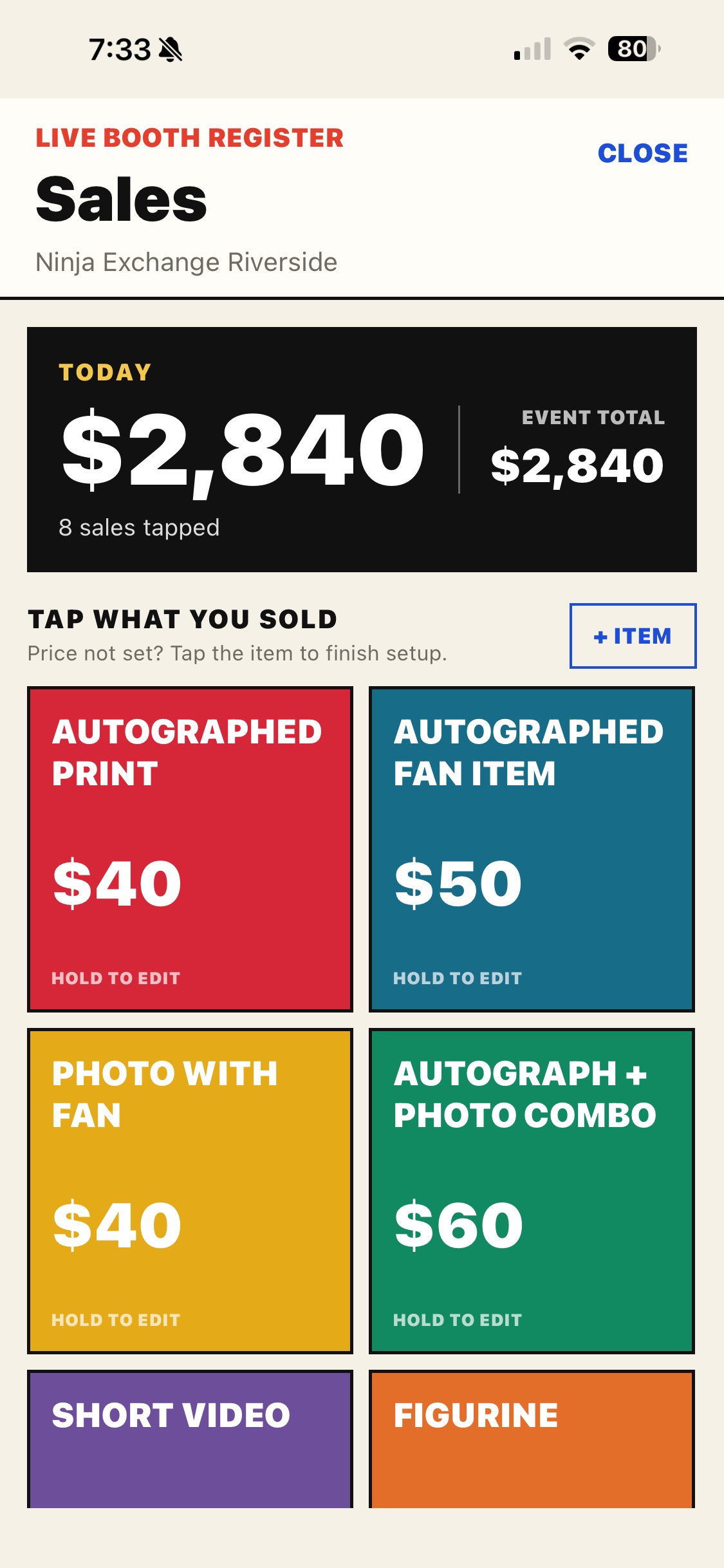
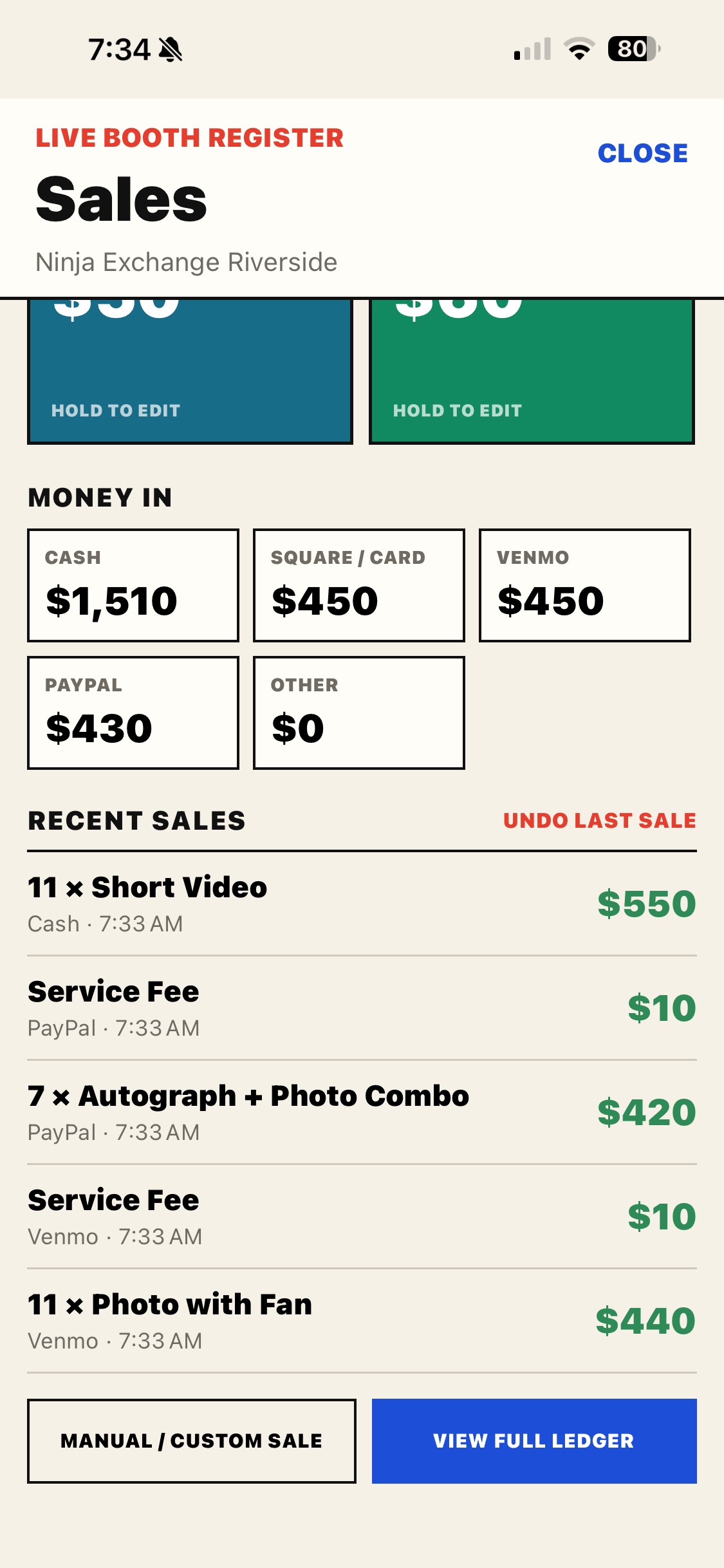
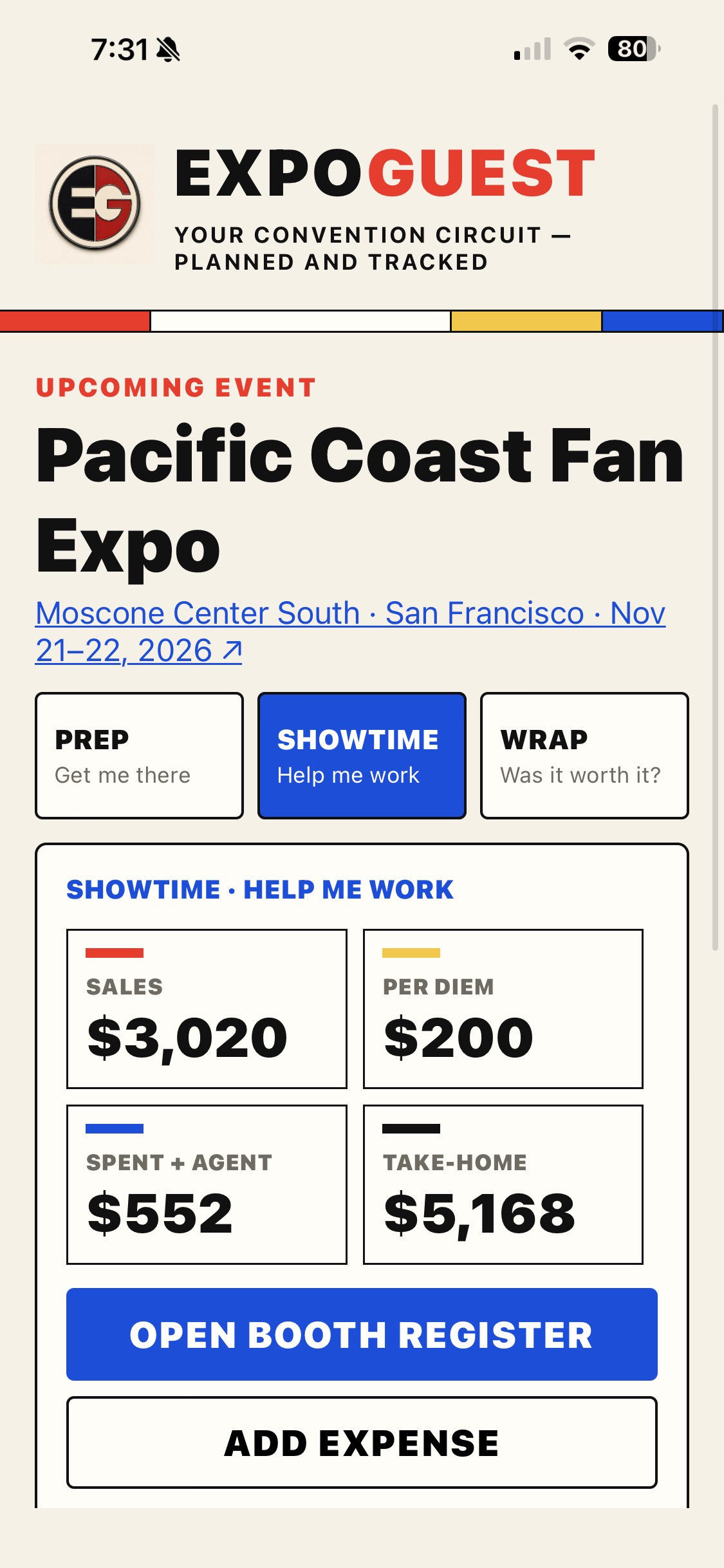
Custom, color-coded buttons keep booth sales moving. Build a multi-item cart, get visible and audible tap feedback, and take Square reader payments without leaving ExpoGuest on iPhone or Android.
WRAP · WAS IT WORTH IT?
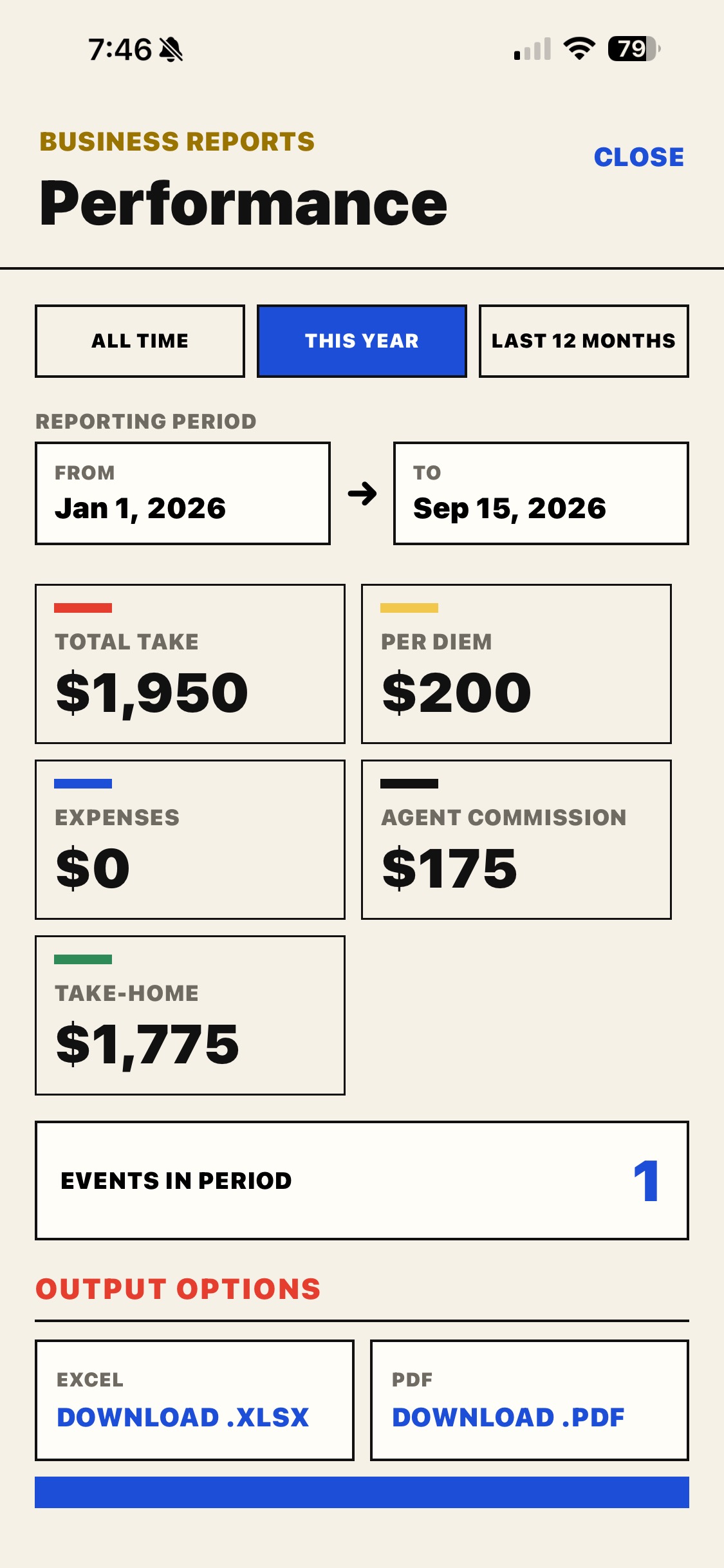
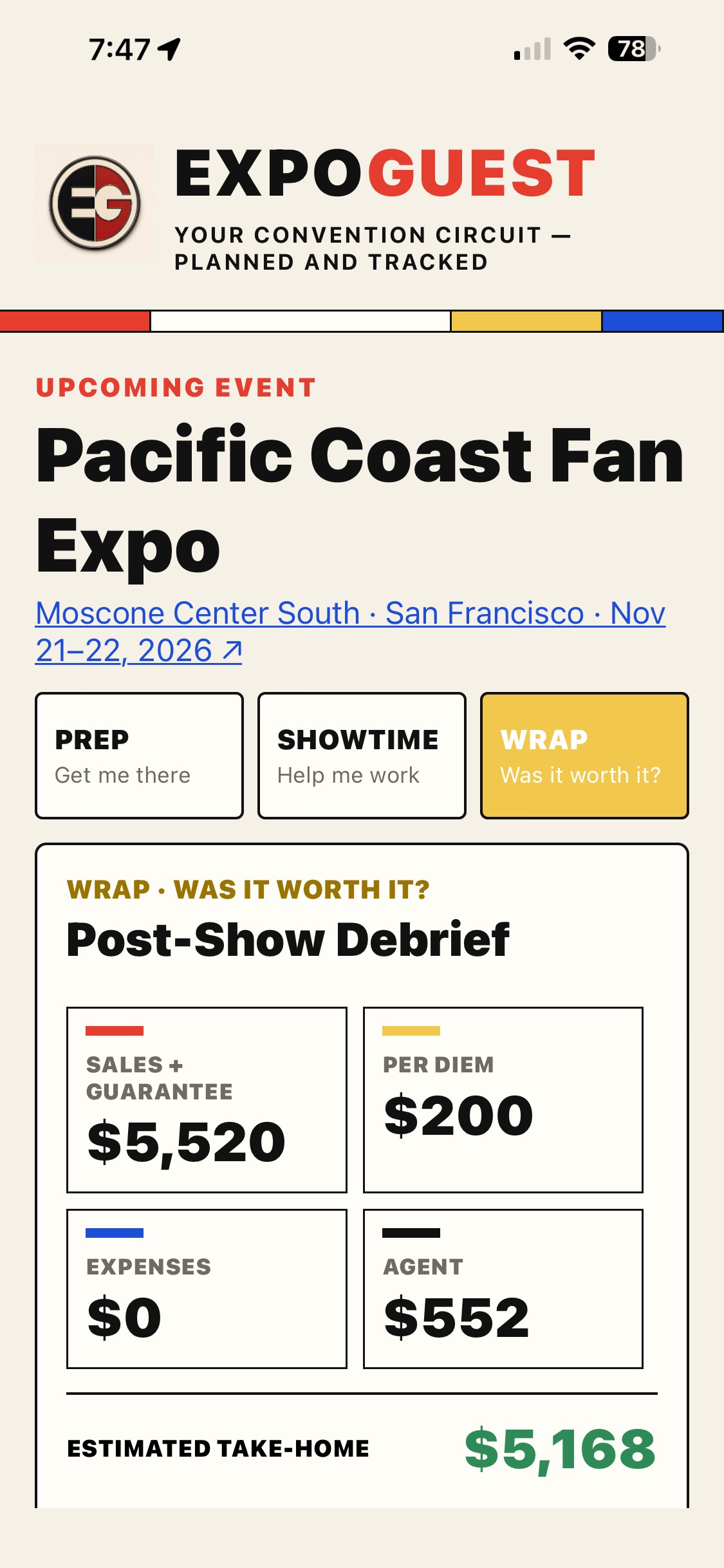
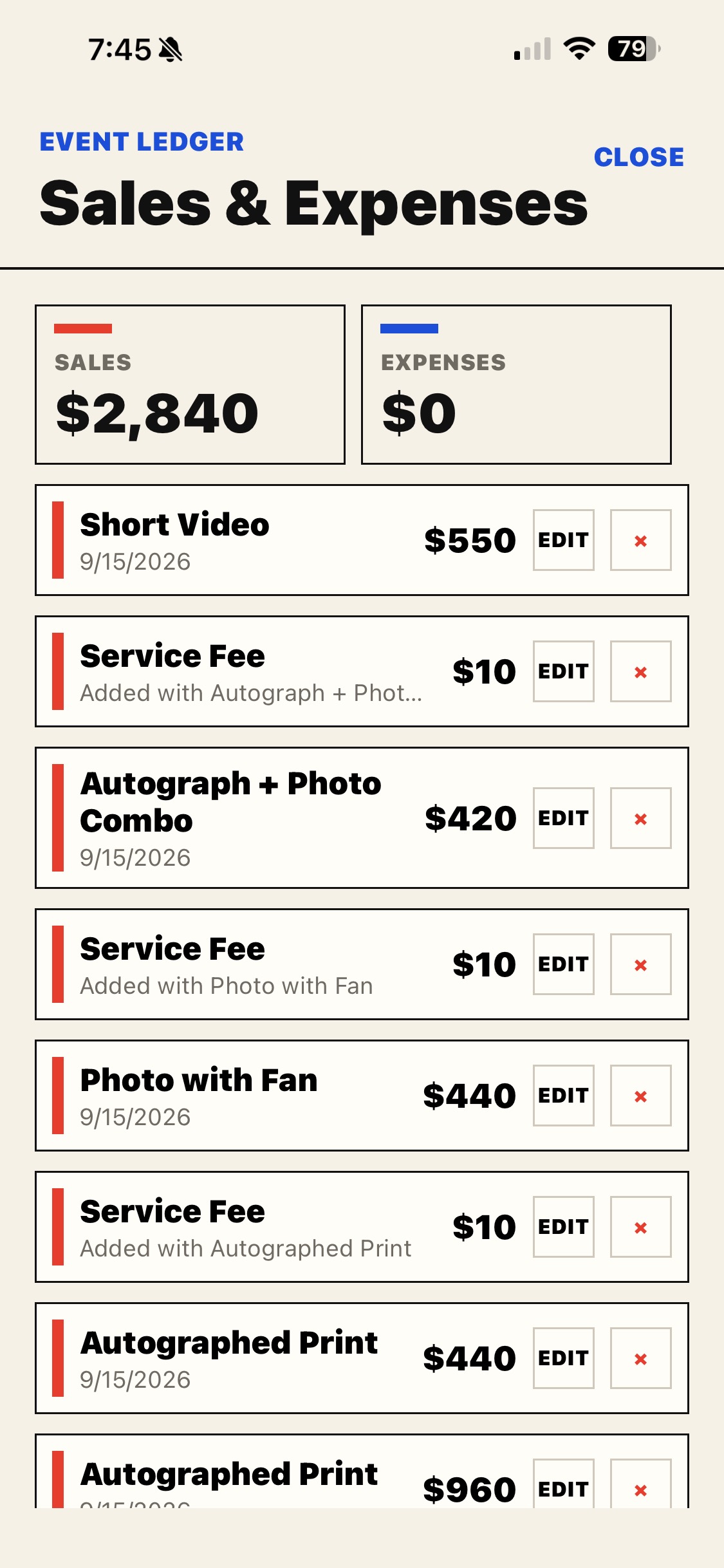
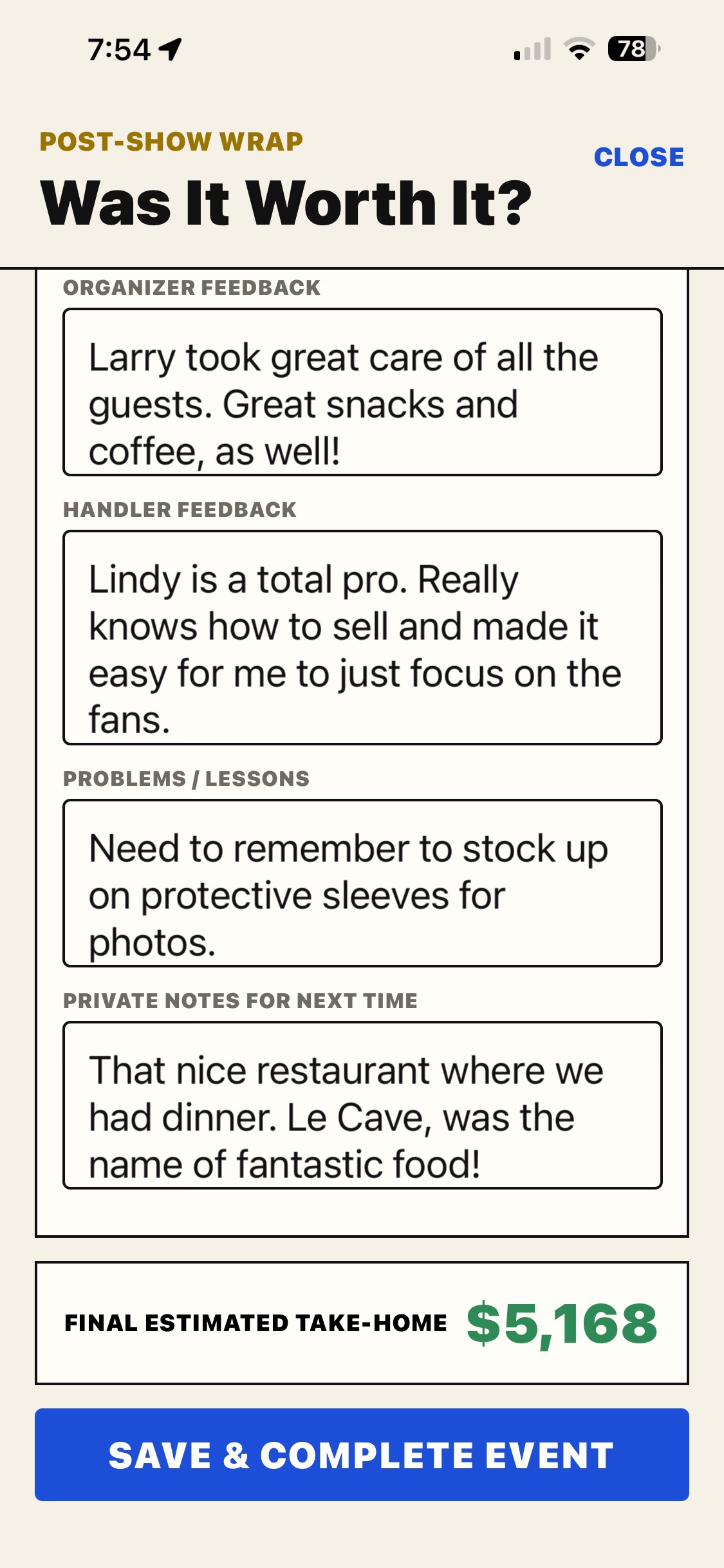
Bring sales, per diem, expenses, agent fees, connections, and private notes into one honest post-show picture.
SHARE · GET YOUR PEOPLE READY
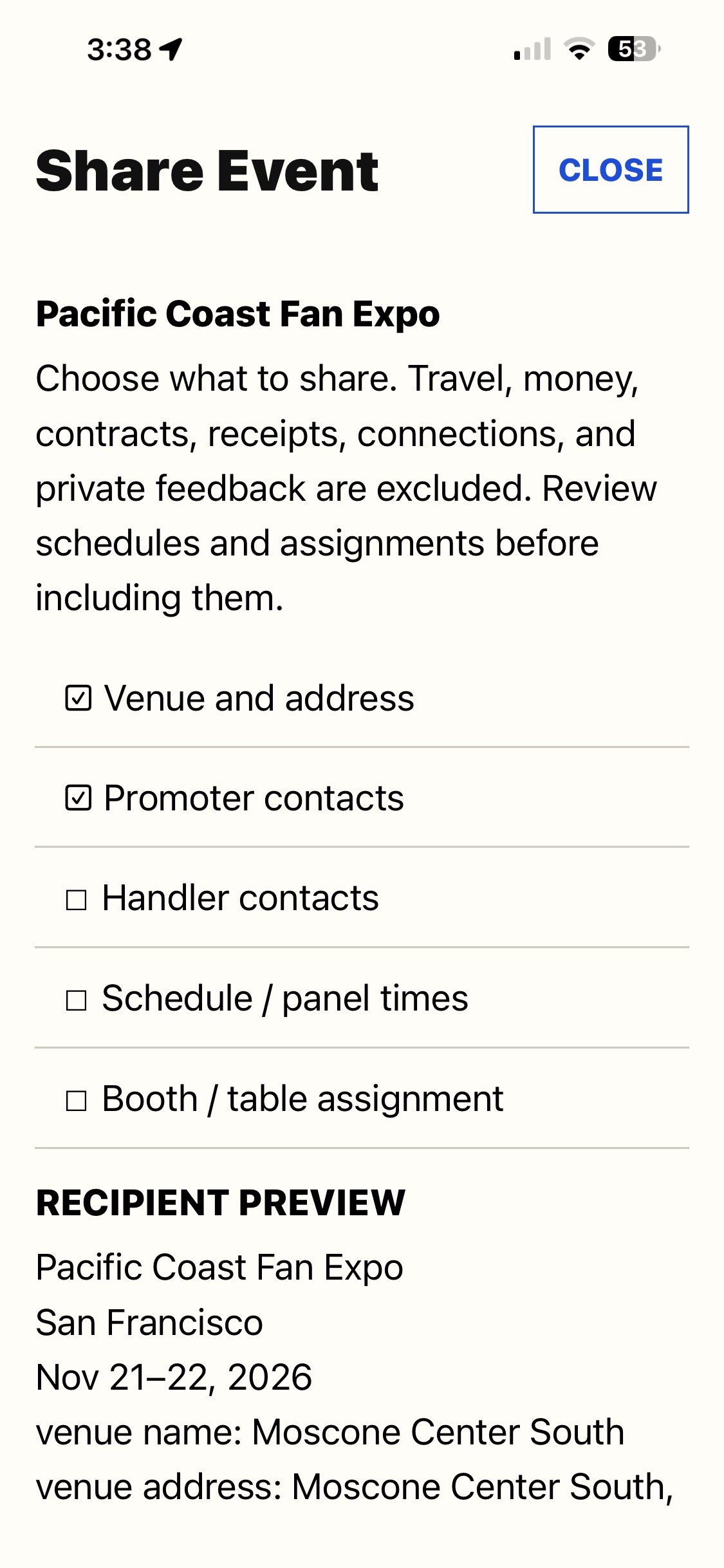
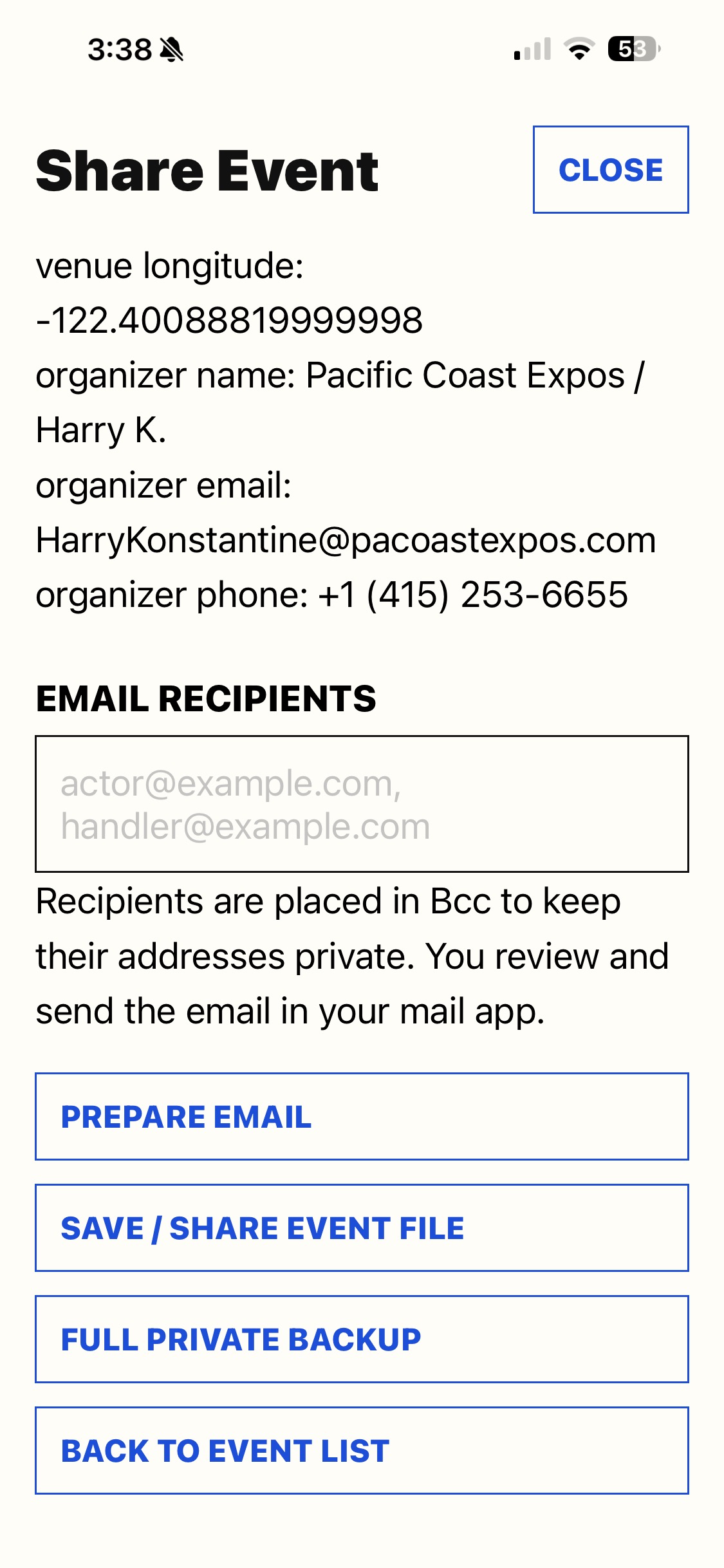
Agents, handlers, and guests can prepare an event and share the essentials by email. Choose the details to include, preview the file, and let another ExpoGuest user import their own copy.
Select any screenshot to view it at full size.
ONE EVENT. THREE PHASES.
ExpoGuest keeps the details that matter close at hand before, during, and after each show.
Contracts, flights, hotels, promoter contacts, transportation, checklists, and everything you need before you leave home.
Quick access to event details, sales tracking, expenses, contacts, and the information you need when the floor gets busy.
Reconcile income and expenses, note reimbursements, rate the experience, and keep the record for next time.
BUILT FOR WORKING GUESTS
Contracts, dates, venue details, schedules, promoter contacts, and notes in one place.
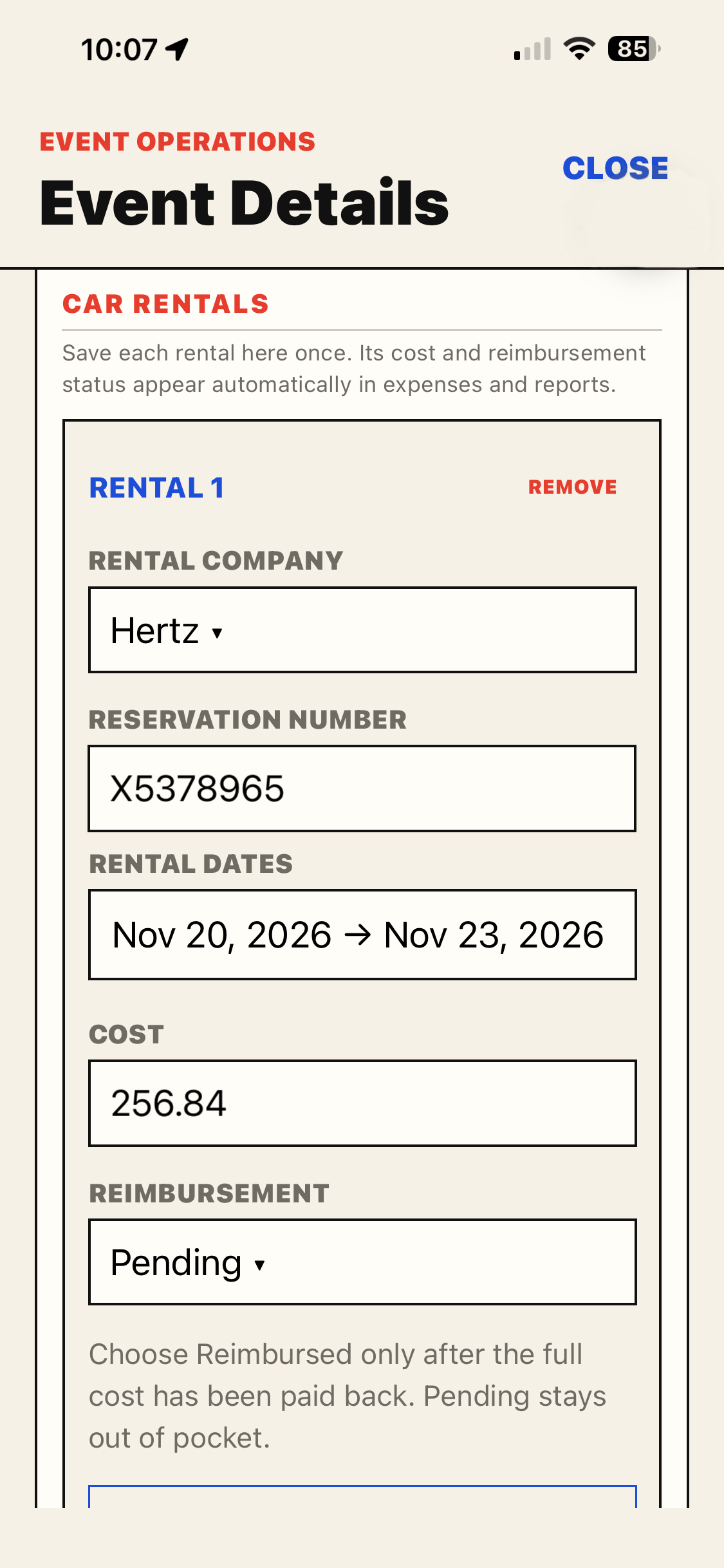
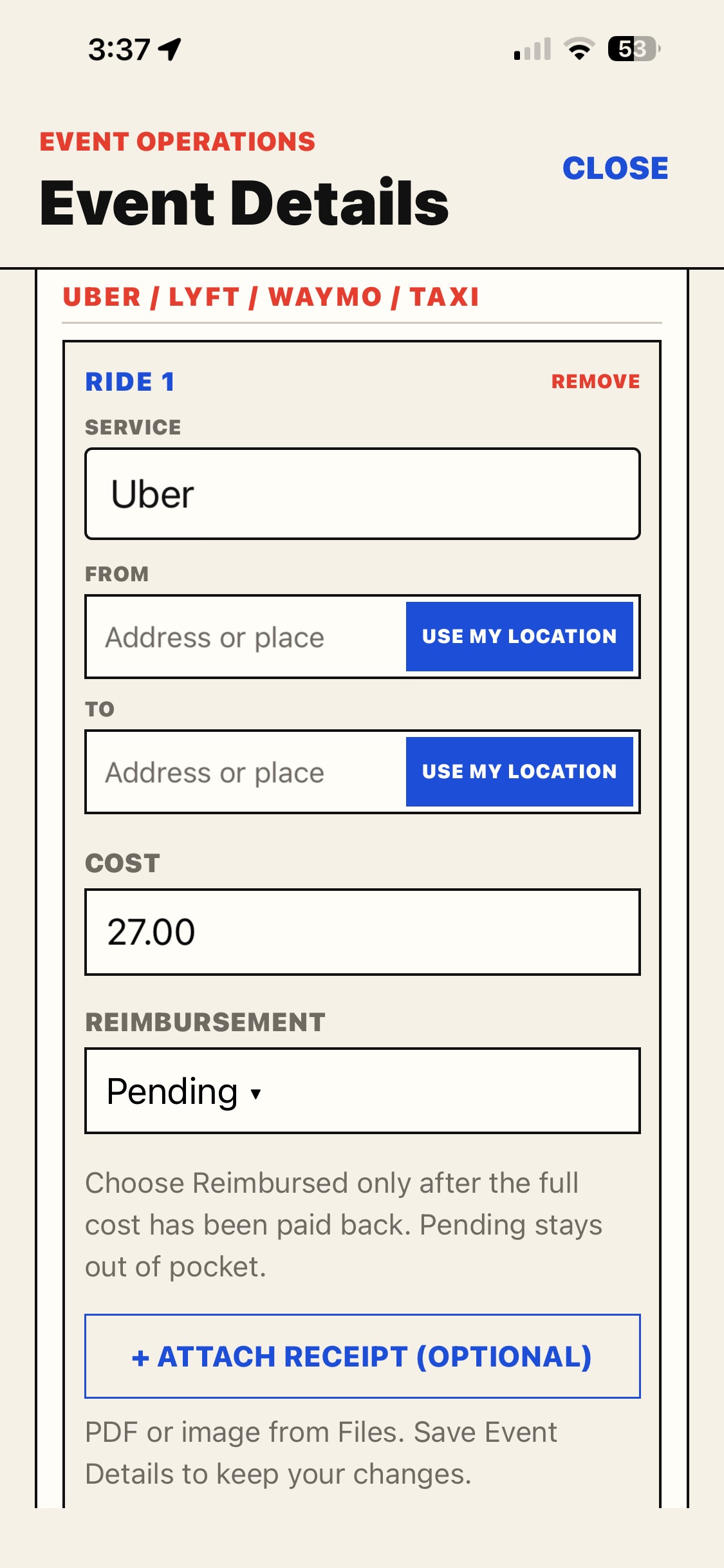
Flights, lodging, rental reservations, and rides, with date ranges and trip costs close at hand.
Capture autograph, photo, merch, and other sales. ExpoGuest can charge through a compatible Square Reader and record the verified sale automatically on iPhone and Android. Square setup →
Save ride receipts, track rental and ride reimbursements, and see how costs affect your take-home.
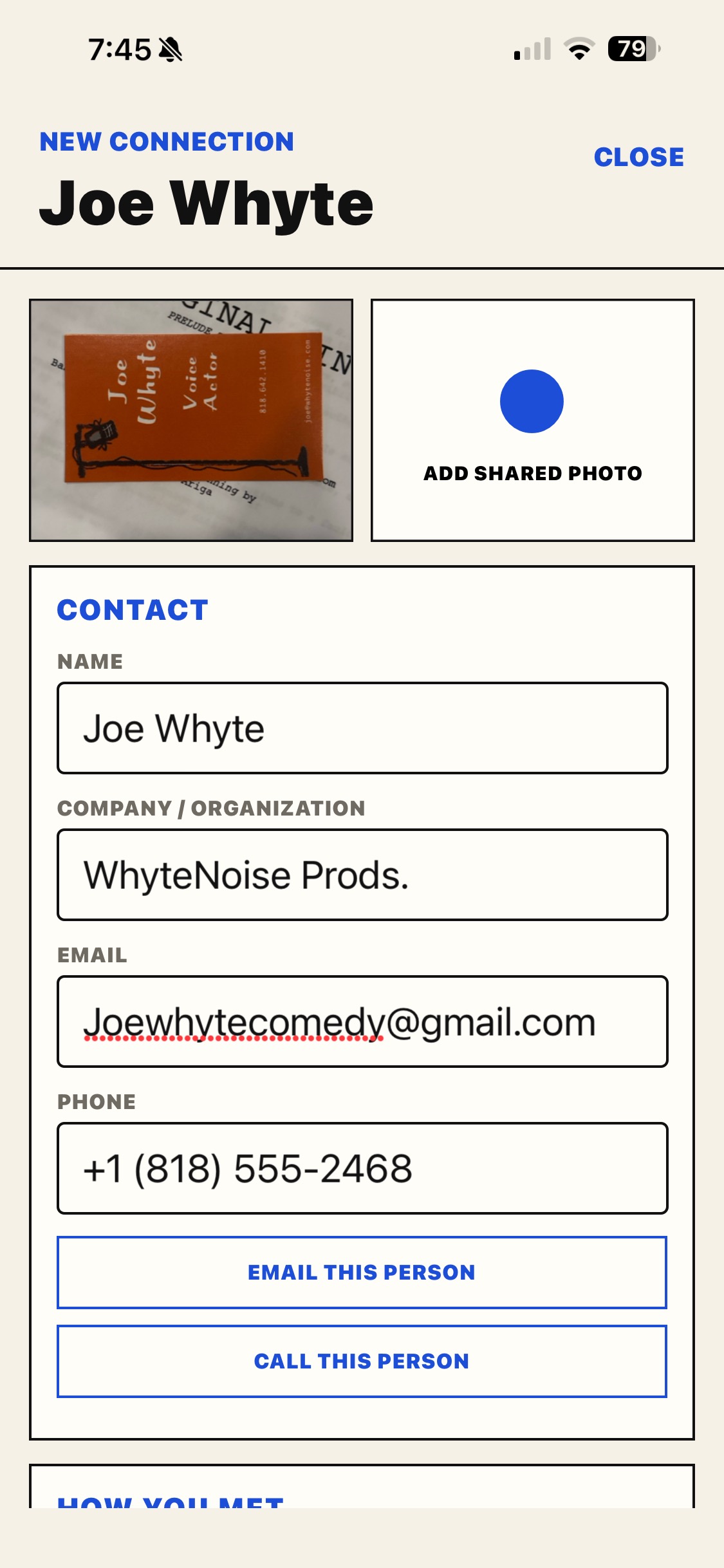
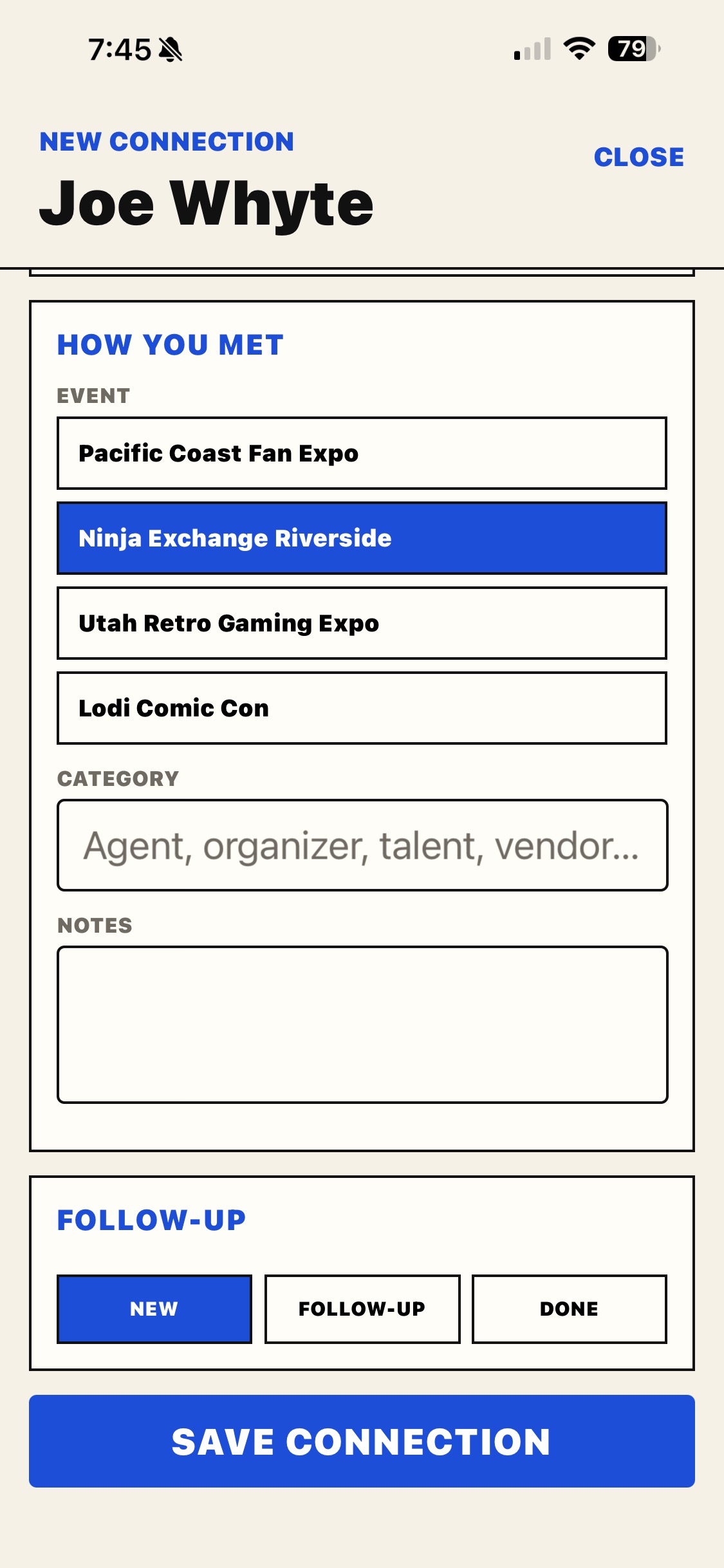
Keep promoter, handler, driver, agent, and business-card information tied to the right event.
See income, expenses, fees, and event notes so you know which shows are worth doing again.
Send selected event details to other ExpoGuest users so they can import their own copy and fill in their personal plans.
Keep completed events available to revisit, and restore an archived event when you need it again.
Export a separate full event backup for your own records, including personal details excluded from Share Event.
NOT FOR ATTENDEES.
ExpoGuest is designed around the real workflow of convention guests: performers, voice actors, artists, creators, authors, cosplayers, and other professionals who travel from show to show.
It isn't another convention schedule app. It's a personal operations tool for managing the business of appearing at conventions.
AVAILABLE NOW
A focused iPhone and Android app for independent convention guests who want to plan and track their circuit without unnecessary complexity. Square Reader checkout is built into ExpoGuest on both platforms.
ON THE ROADMAP
Cloud sync, multi-device access, live travel data, and collaboration tools for performers and agents are part of the longer-term vision.
STAY IN THE LOOP
Want to hear about meaningful upgrades and new features? Ask to join the ExpoGuest email list. We won't send daily, weekly, or monthly emails. You'll hear from us only when there's something worth sharing.
Your address stays yours. We never sell or rent email addresses, and we won't use yours for unrelated marketing. Joining is optional, and you can unsubscribe at any time.
Ask to join the updates listOpens an email draft for you to review and send. Sending feedback does not add you to this list. How we use your email.
TELL US HOW IT GOES
Share feedback or tell us what convention workflow drives you crazy.
Opens an email draft to Joe. Review it and press Send in your email app. You can also email joe@expoguest.com directly.